Easily learn how to find world seed Minecraft to copy maps, share worlds, and explore identical terrain across all editions in seconds.
How to Find World Seed Minecraft
Every Minecraft world begins with a unique digital code known as a world seed.
This number controls bio mes, terrain, and world generation.
If you want to find and reuse your world seed, the process is simple and quick.
Below are clear tables and step-by-step methods showing how to find world seed Minecraft in every edition.
Methods to Find Minecraft World Seed
| Platform | Command / Option | Where to Find Seed |
|---|---|---|
| Java Edition (Single Player) | Chat command | In-game chat box |
| Java Edition (Server) | Server console | “Seed” line in server.properties file or console |
| Bedrock Edition | World settings | “Seed” visible in world details |
| Minecraft Realms | Download world, open in single-player | View seed after opening |
| Console (PS, Xbox, Switch) | Game settings | World info menu |
What You Can Do with a Minecraft Seed
| Purpose | Description |
|---|---|
| Share Worlds | Give your seed to friends so they can play on identical terrain. |
| Find Structures | Use the seed in map viewers to locate villages, temples, or caves. |
| Regenerate Worlds | Recreate your world if a save is lost or corrupted. |

Understanding Minecraft World Seeds
Every Minecraft world is defined by a hidden seed number that shapes mountains, oceans, and landscapes.
Knowing how to find world seed Minecraft allows you to duplicate, share, or rebuild your world whenever needed.
- Each seed produces the same layout every time.
- Even a single digit change creates a completely different map.
- Players use seeds to plan builds, locate bio mes, and share worlds online.
1. Find the Seed in Minecraft Java Edition
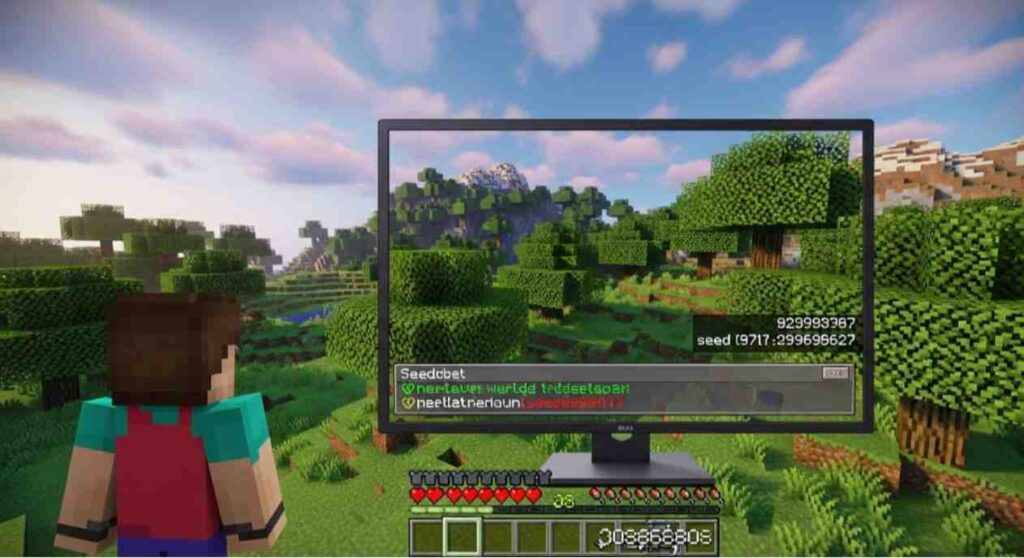
For Java Edition players, this is the easiest and most accurate method to view your world seed.
Steps to View the Seed
- Open your Minecraft world.
- Press T to open the chat box.
- Type seed and press Enter.
- Your world seed appears instantly in chat.
You must have cheats enabled or admin permissions on a server.
If you’re not an admin, ask the server owner to check the seed in server.properties or from the server console.
The Java method is the fastest and most direct way to access your world seed inside the game.
2. Find the Seed in Bedrock Edition
In the Bedrock Edition (Windows 10, Mobile, or Console), finding your seed doesn’t require commands.
Steps to View the Seed
- Open the Worlds list from the main menu.
- Tap the Edit icon next to your world.
- Scroll to World Options.
- The Seed number appears clearly in the settings.
Bedrock Edition displays the world seed directly in settings, so you don’t need any extra tools or permissions.

3. Find the Seed on Minecraft Servers
Finding the world seed on a multiplayer server depends on your role.
If You’re the Server Owner
- Open your server control panel or console.
- Type seed in the command line.
- The world seed appears immediately.
If You’re a Player (Without Admin Access)
- Ask your admin or host for the seed.
- They can copy it from the server.properties file or console log.
Only admins can access the world seed on multiplayer servers for security and privacy reasons.

Why Knowing Your World Seed Matters
Finding your seed offers several valuable advantages:
- Recreate lost worlds easily using the same seed.
- Explore faster using online seed map tools to view structures and biomes.
- Share your world so friends can enjoy identical landscapes.
Once you know how to find world seed Minecraft, you gain full control over your world’s design and exploration.
Common Problems and Fixes
| Issue | Possible Cause | Solution |
|---|---|---|
| Seed command doesn’t work | Cheats disabled | Enable cheats in Game Settings |
| Seed not visible in Bedrock | Wrong menu opened | Check the World Options section |
| Server doesn’t show seed | Player lacks admin access | Ask the server host for the seed |
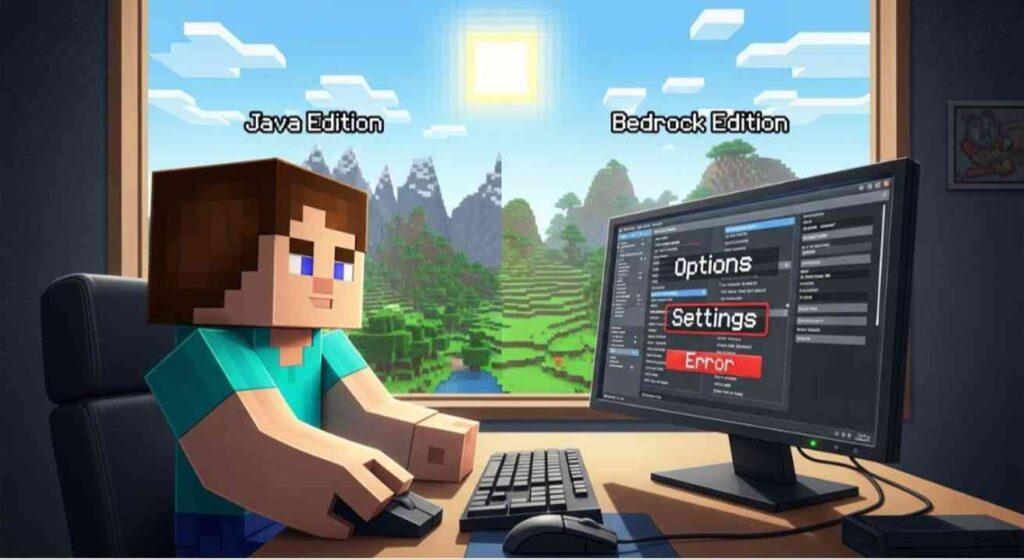
| Different worlds from same seed | Game version mismatch | Ensure both worlds use the same edition (Java or Bedrock) |
Always confirm that both players use the same Minecraft version, or the same seed will generate completely different terrain.
Extra Tips for Using Seeds Safely
- Back up your world before sharing its seed.
- Avoid revealing seeds from private or modded servers publicly.
- Use only trusted tools like Chunkbase or MineAtlas to analyze maps.
- Keep a personal list of favorite seeds for future builds or challenges.
FAQs
Q 1: Can I find my Minecraft seed without using commands?
Yes. In Bedrock Edition, the seed is displayed directly in World Settings.
Q 2: Why can’t I use the seed command on my server?
Only server operators or admins can access it.
Q 3: Is the world seed the same for everyone?
Yes, as long as the same seed and game version are used.
Q 4: Can I change my world seed later?
No. Once a world is created, the seed remains fixed. To use another, you must start a new world.
Q 5: Will the same seed work in both Bedrock and Java Editions?
No. Each edition handles world generation differently, so terrain will not match.